Yes, this is possible at any time. Before and after your order.
Before your order
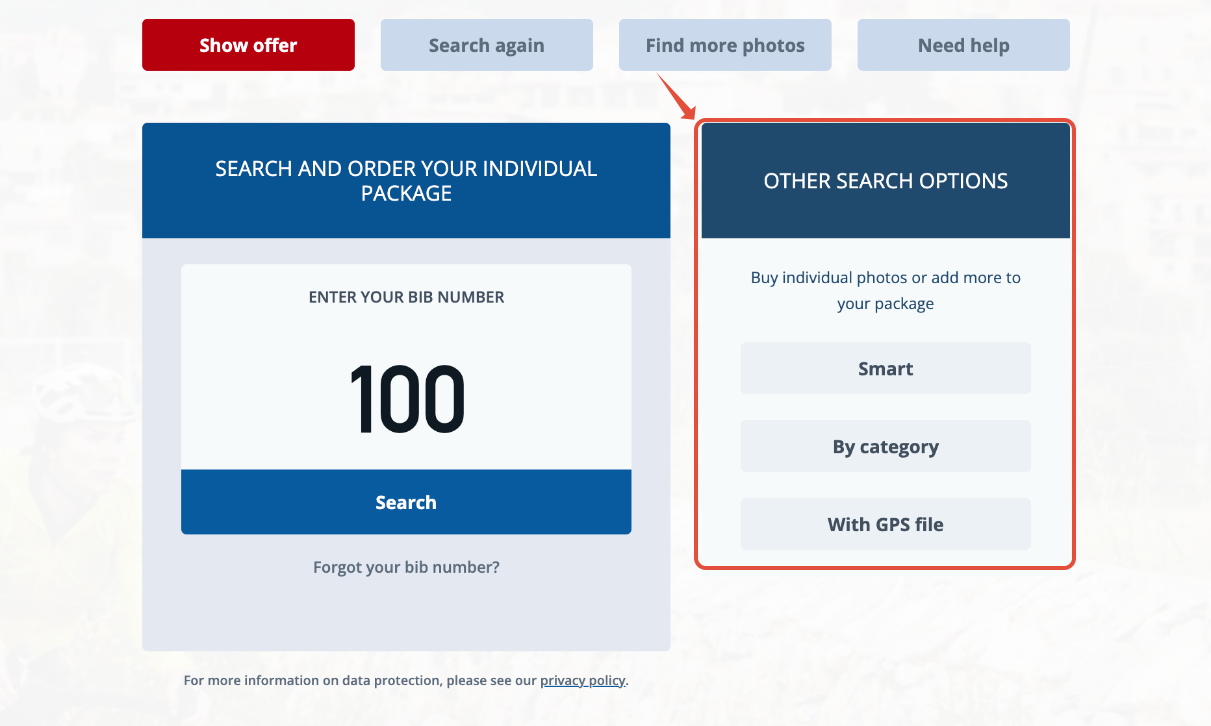
You can search for additional photos of yourself directly after your selfie search (or bib number search) via “Other search options” and mark them using the "That's me" button.
After your order
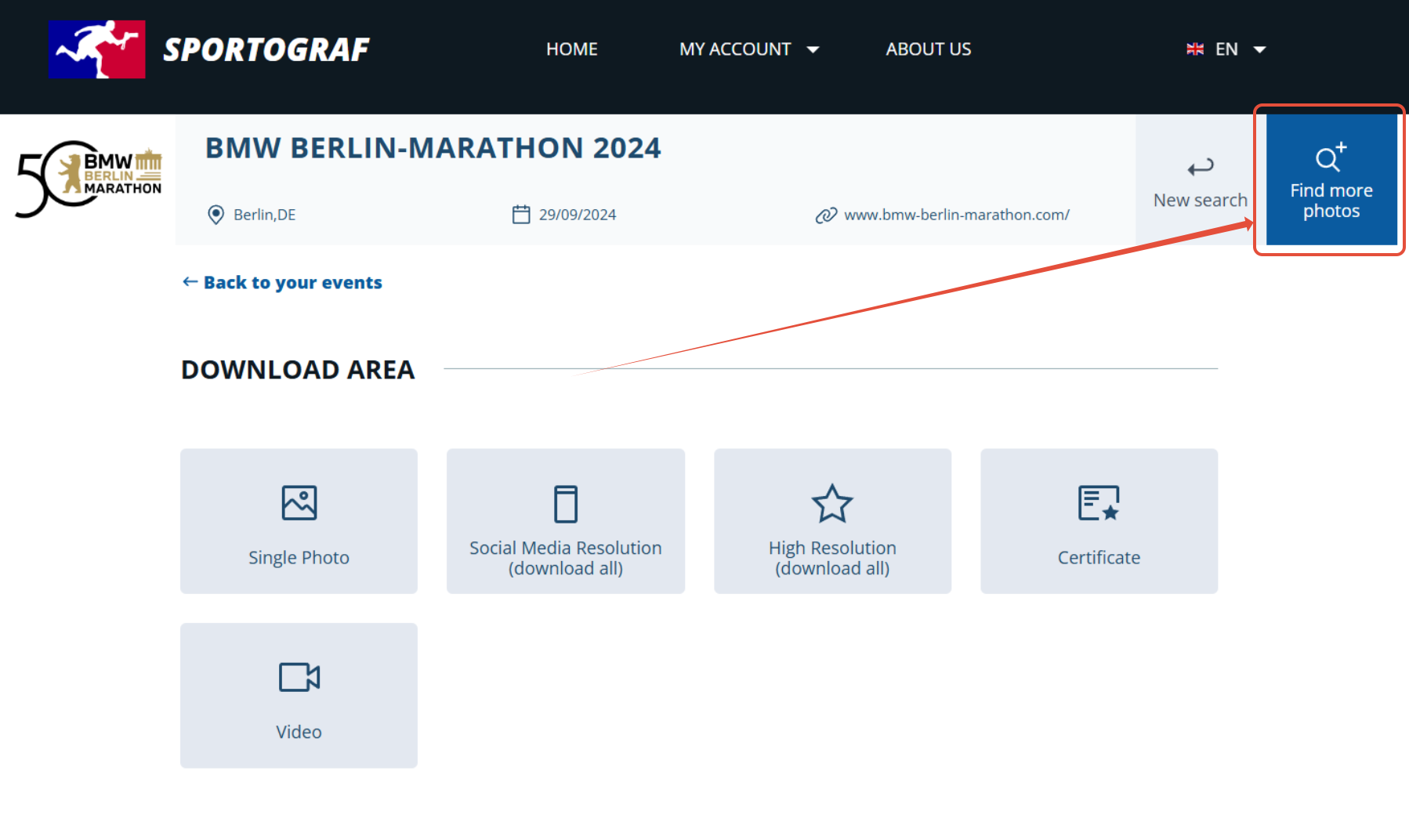
Open the photo package where you are missing images and click on “Find more photos”.
Use the additional search options to find more photos of yourself and mark them with “That's me”.
“That's me”
Found yourself? Then click on the photos showing you and mark them using the “That's me” button.

Please note: Our photo package is person/bib-number related!
Photos where you are not visible must be rejected during review. Impression images are of course excluded. If another person is shown in the photo, your request will be rejected.
This also applies to families, teams, doubles, and partners!
Photo review
We review the photos you marked and notify you as soon as they are approved. This may take up to 48 hours.