
Frequently Asked Questions:
Pre-booked Photo Package
How do I get my pre-booked photos?
Your photo package is stored directly in our system.
As soon as the photos are online, you will receive an email with a direct link to your download area at the email address you used during registration.
How do I find my download area?
If you haven't received the email (please also check your spam folder!), you can easily find your download area yourself:
- Request your login link here: https://www.sportograf.com/login
- It is essential that you use the identical email address you provided when booking the photo package on the organizer's site.
- After logging in, your photos will already be available for you there.
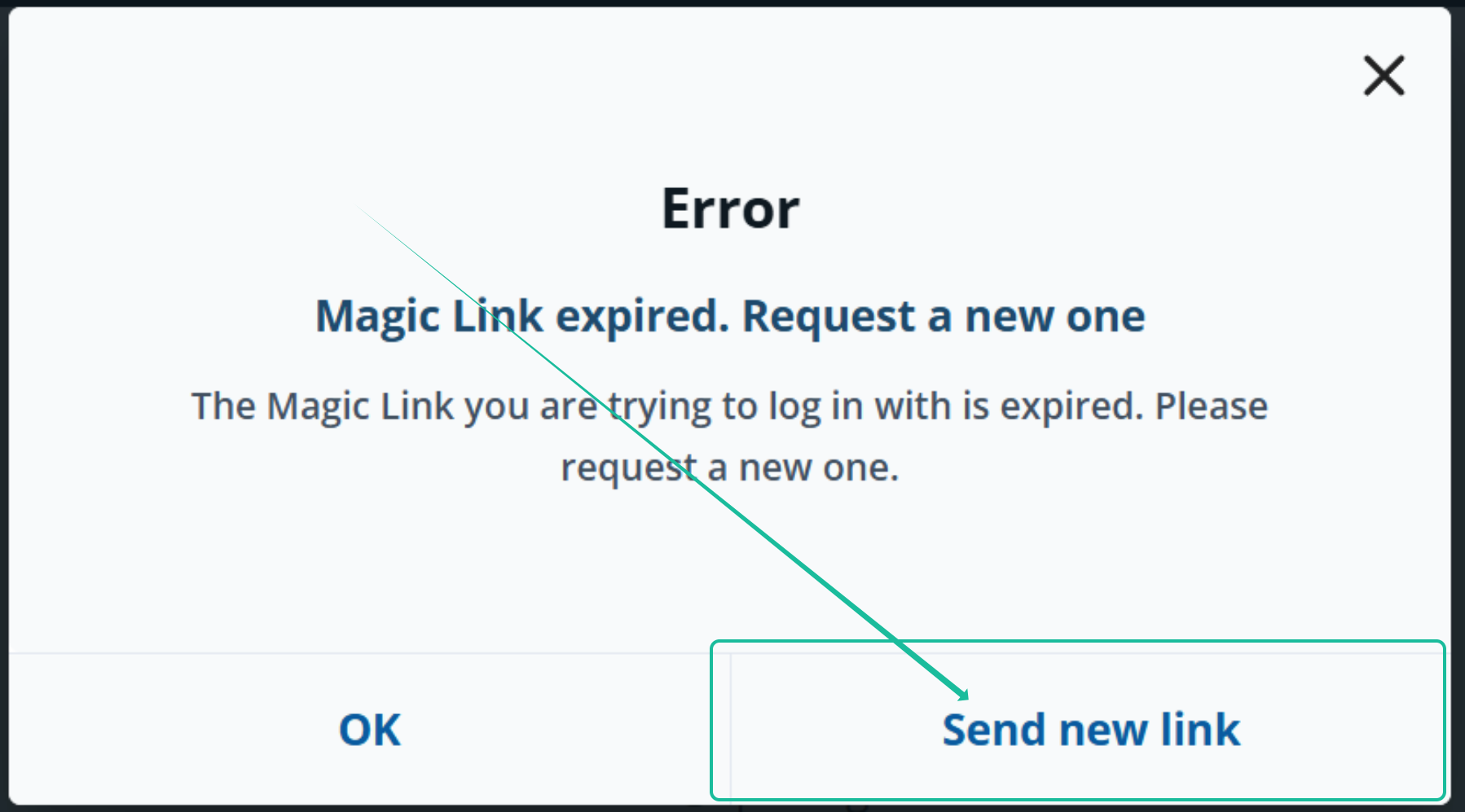
My download link has expired. What should I do?
You can have a new one sent to you.
However, you can also download your photos at any time without the order confirmation in your download area .
Date of birth and bib number do not match.
Quick solutions
- Please check if you are using the link for the correct event year (e.g., 2025 instead of 2026).
- HOKA Semi de Paris 2026: https://www.sportograf.com/event/19634
- HOKA Semi de Paris 2026: https://www.sportograf.com/event/19634
- Please double-check if there is a typo in your bib number.
I need help!
If it still doesn't work for any reason, we are happy to help.
You can find our: Sportograf Support Contact Form
Please make sure to provide:
- Your bib number
- Your date of birth
- Include proof of your participation