
Frequently Asked Questions:
Pre-booked Photo Package
How do I get my pre-purchased photos?
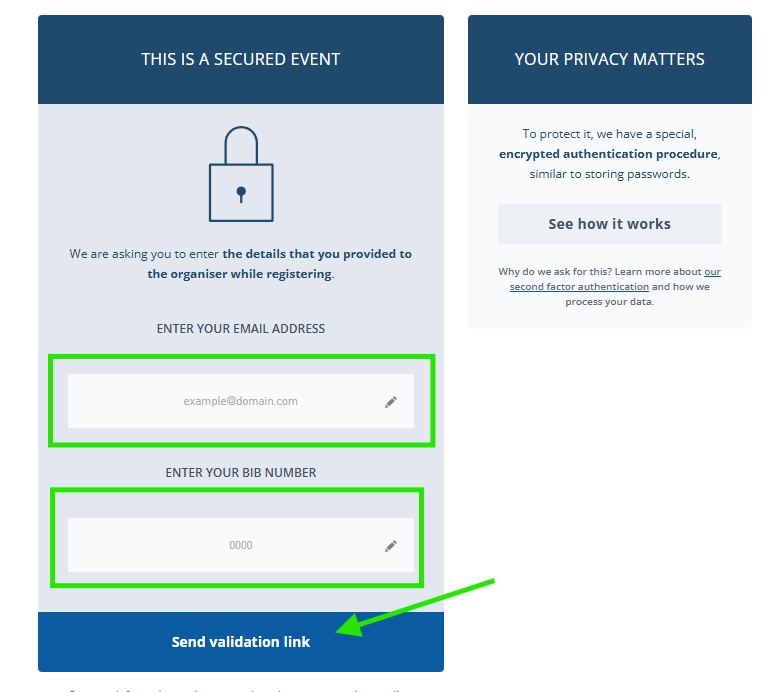
Your photo package is stored directly in our system. To unlock your photos, please proceed as follows:
- In the validation window, enter your bib number and the exact email address you used when registering for the Berlin Half Marathon or Berlin Mile 2026.
- Important: The spelling of the email address must be identical to the address provided during registration.
- Immediately afterwards, we will send you the download link for your photos by email.
Tip: If you do not receive an email, please also check your spam folder.
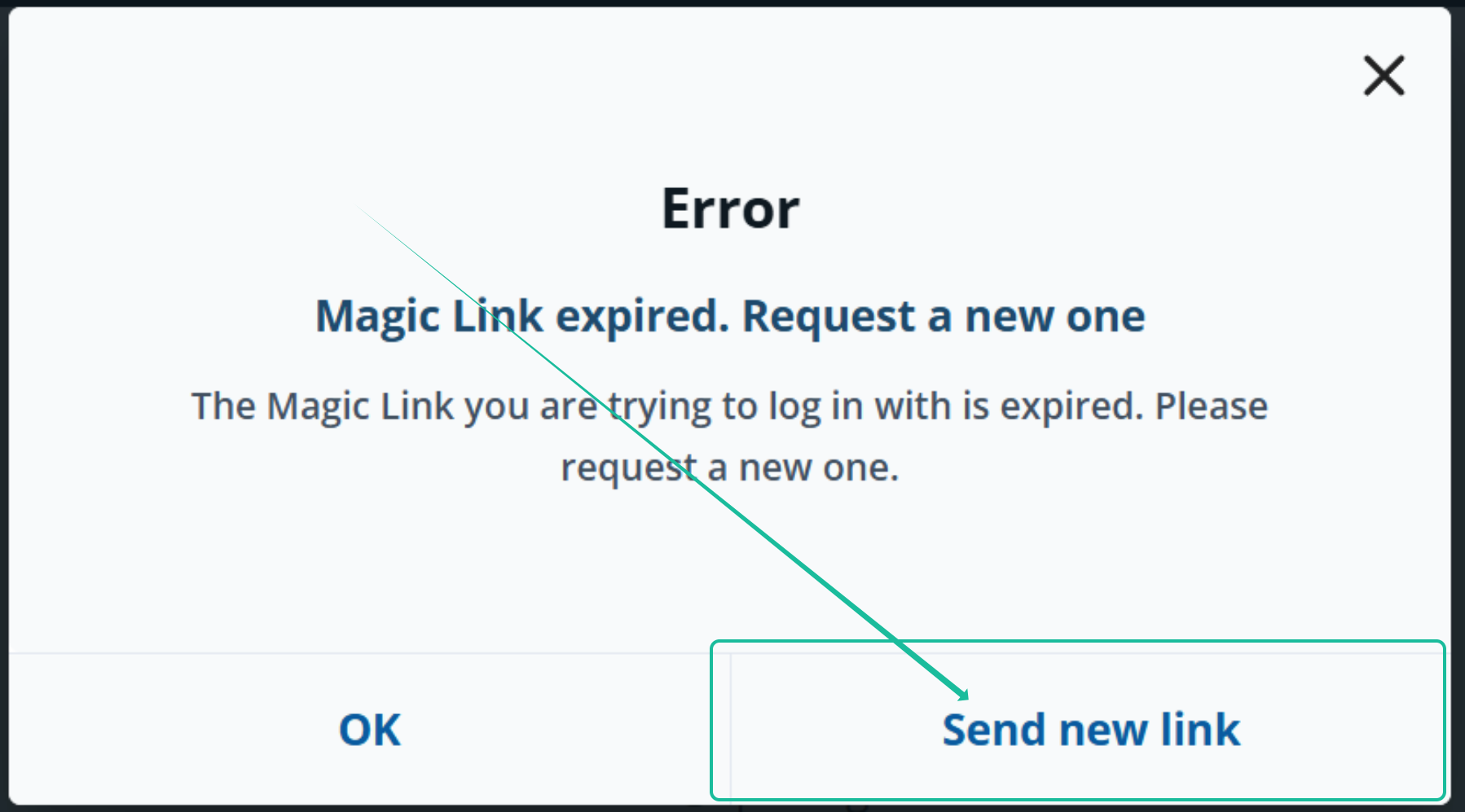
My download link has expired. What should I do?
You can have a new one sent to you
However, you can also download your photos at any time without the order confirmation in Your Download Area .
My validation failed
Quick solutions
- Check if you have selected the correct event.
Saturday: Garmin BERLIN MILE 2026
Sunday: Generali Berlin Half Marathon 2026 - Double-check the spelling of your email address.
It must be the identical email used during registration.
I need help!
If it still doesn't work for any reason, we are happy to help.
The best way is to reply directly to the "Validation failed" email.
Please make sure to provide:
- Your bib number
- Include proof of your participation