
Table of Contents
My validation failed
Quick solutions
1. Check event selection:
Make sure you are searching on the page for the correct event:
2. Check email address spelling:
The email address must match the exact address you provided during registration (watch out for typos).
Still having issues? Contact support here...
If it still doesn't work after checking the two steps above, reply directly to the email with the subject "Validation failed".
Please provide us with:
- Your bib number
- Proof of participation (e.g. registration confirmation)
Pre-booked photo package
How do I get my pre-purchased photos?
Your photo package is stored directly in our system. Follow these steps to unlock your photos:
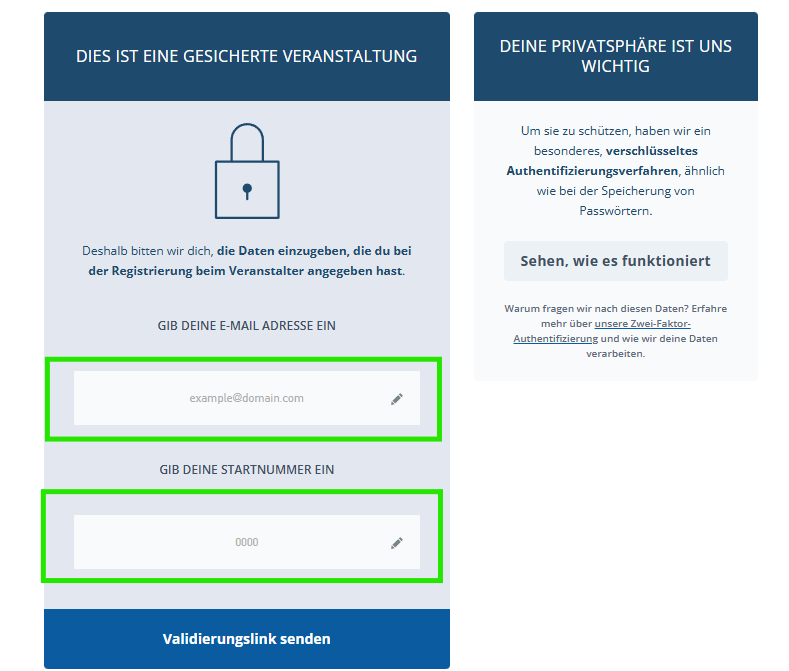
- Enter your bib number and the exact email address used for registering for BERLIN-MARATHON 2026 into the validation window.
- Important: The spelling of your email address must be identical to your registration data.
- We will send you the download link directly by email.
Tip: Please check your spam folder if you don't see the email in your inbox.
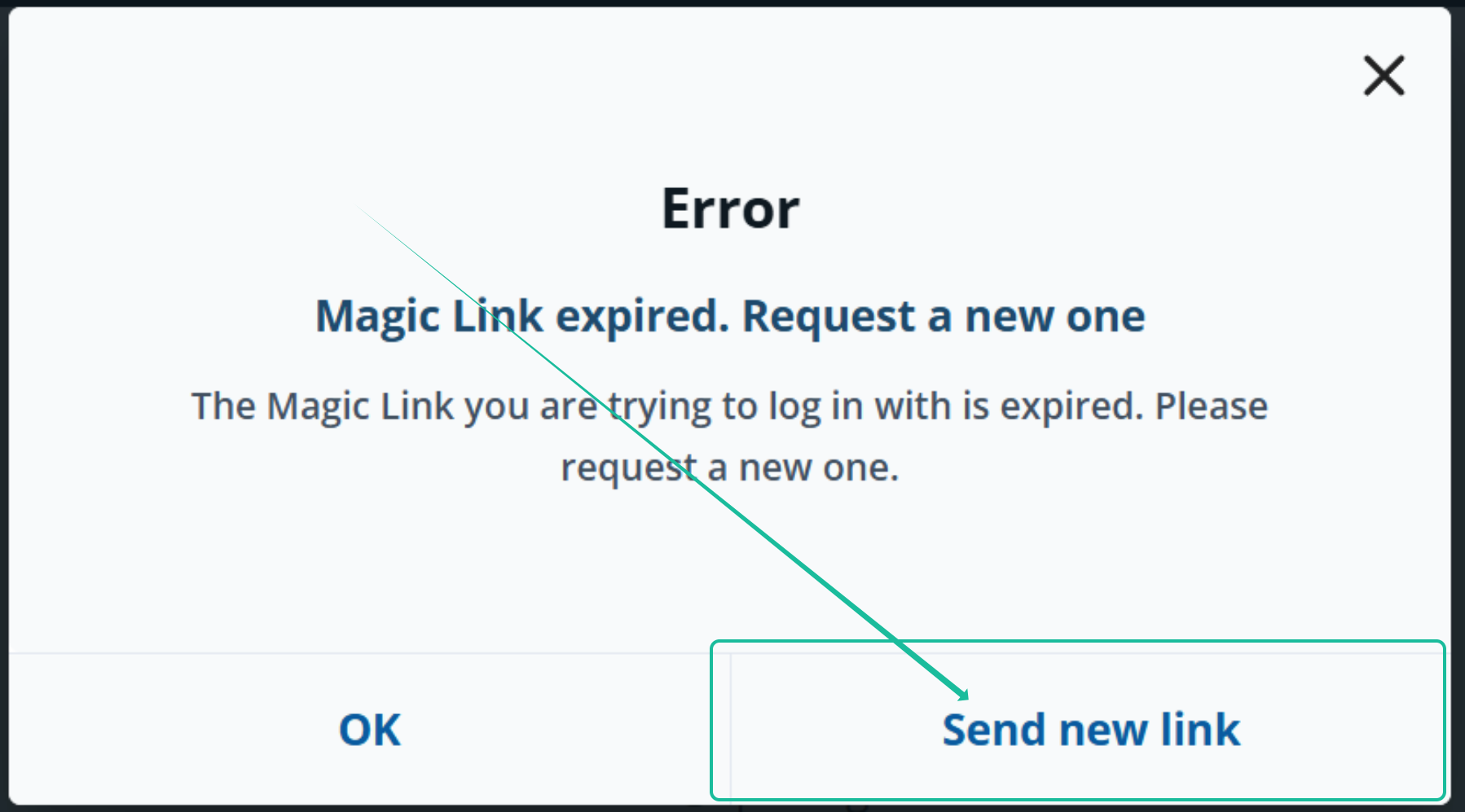
My download link has expired. What should I do?
You can easily request a new link directly on the page:
Alternatively, you can always access your photos directly in your download area without an order confirmation.